



Description
What is Hear-O?
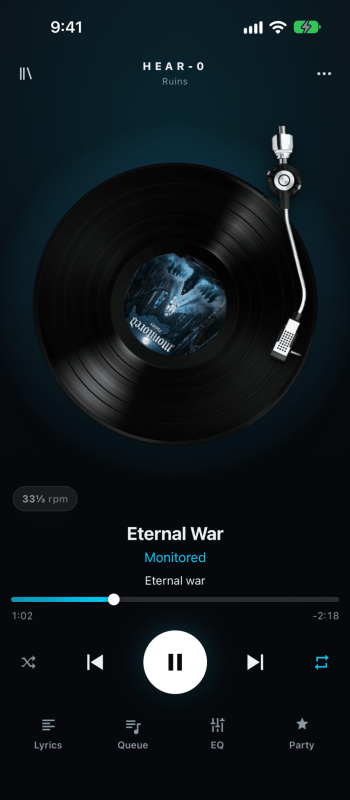
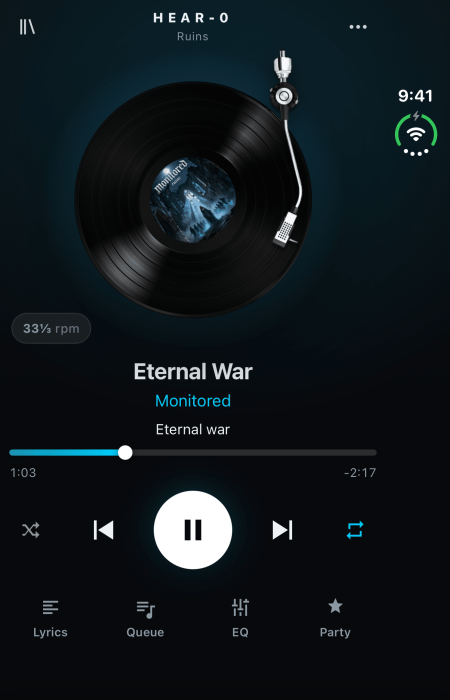
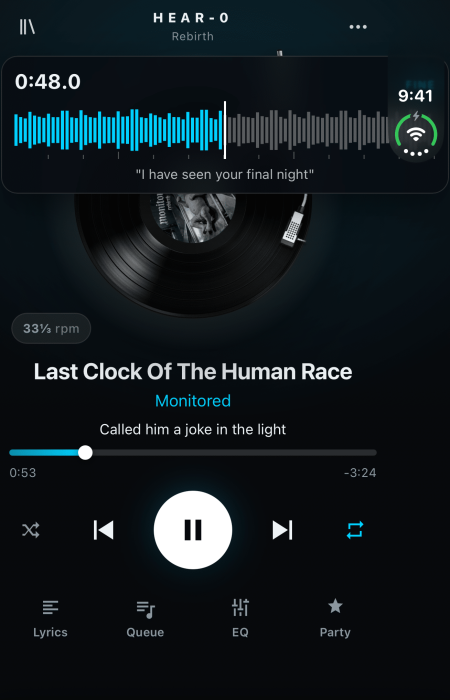
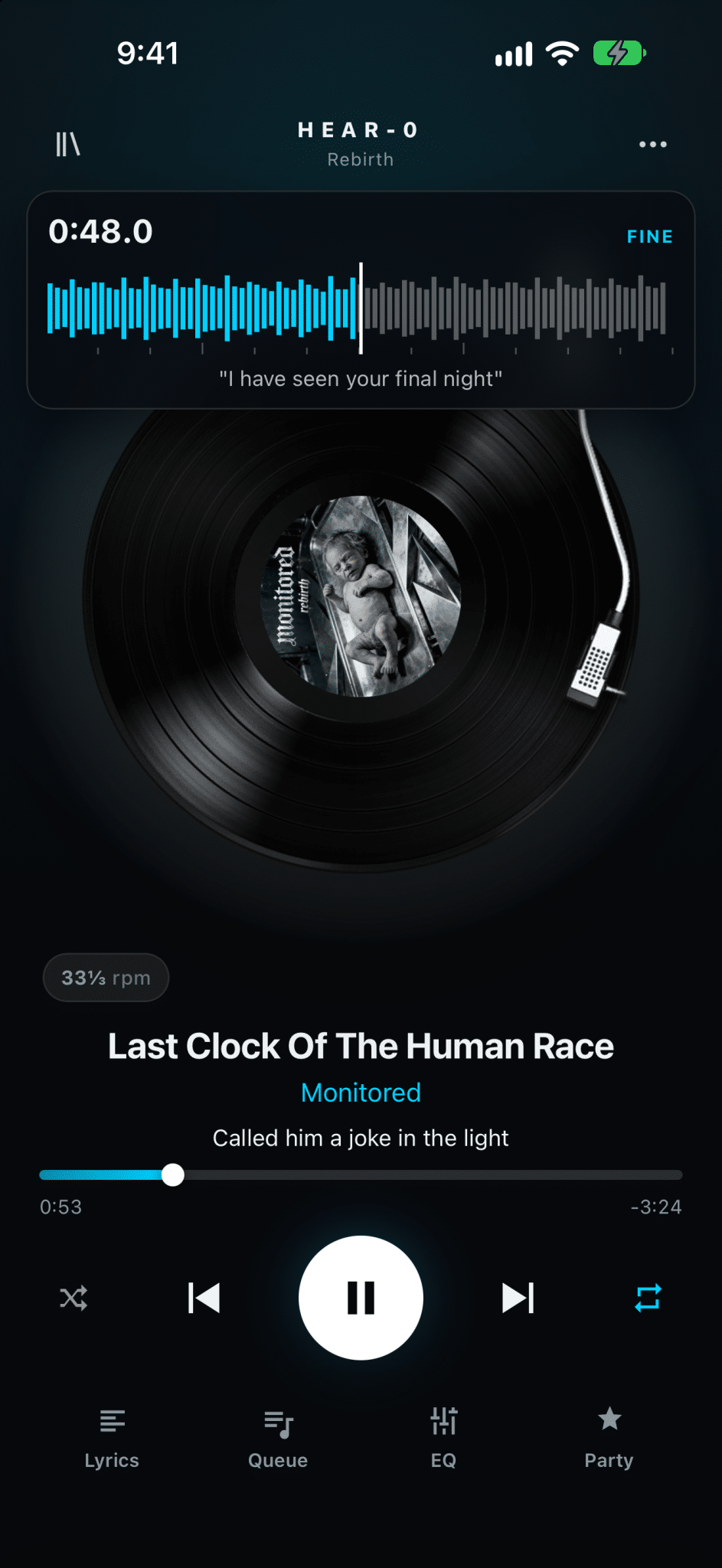
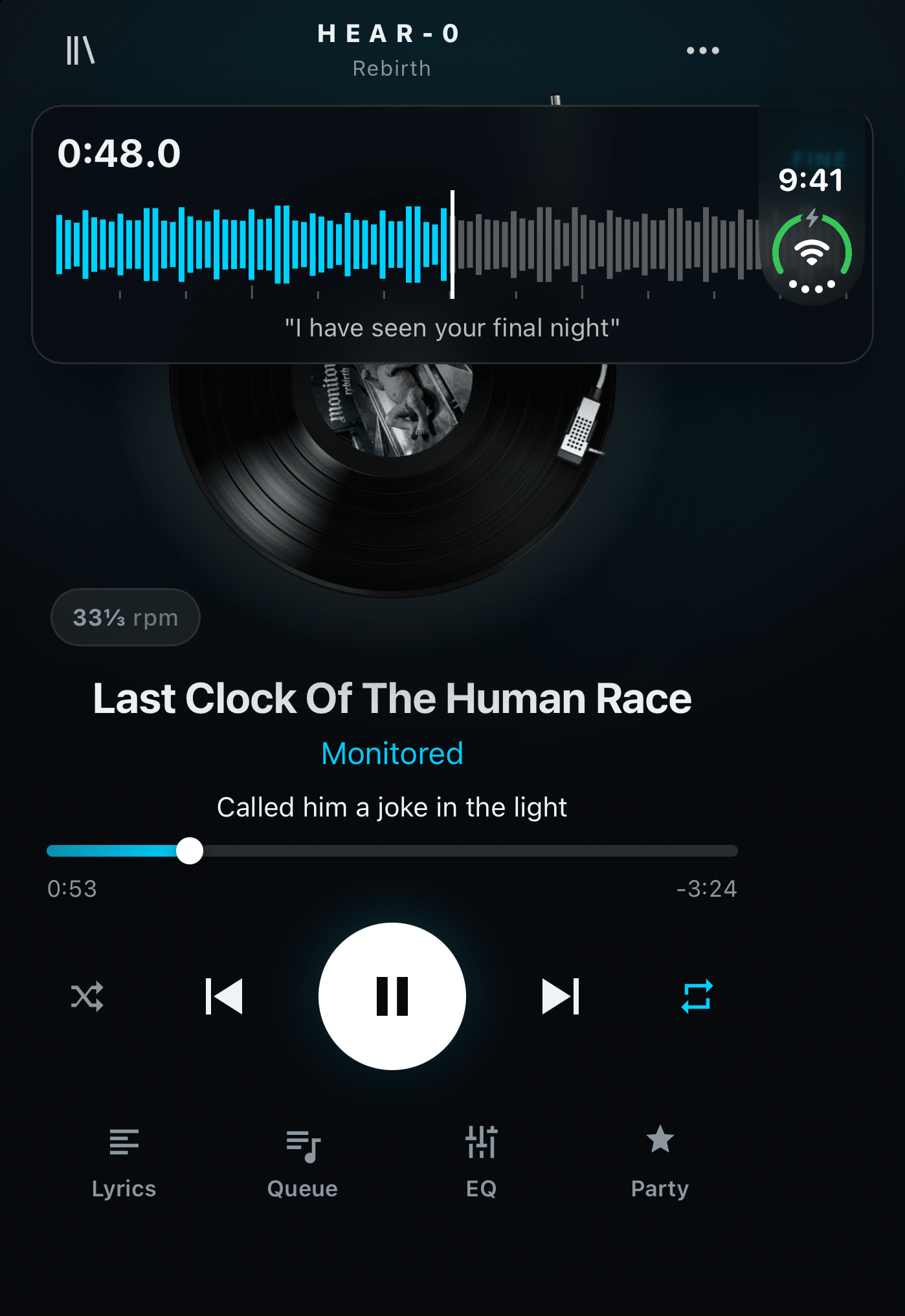
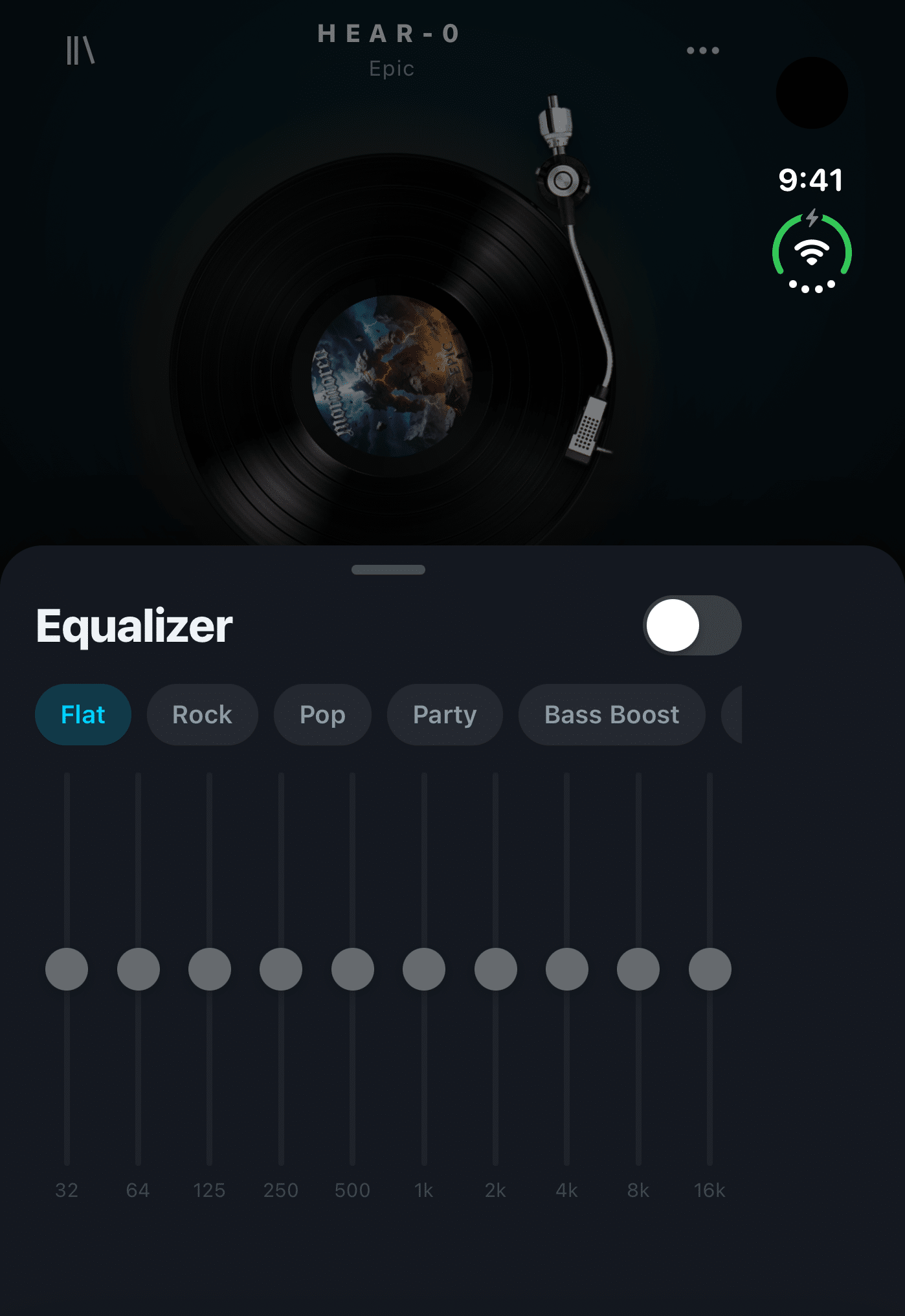
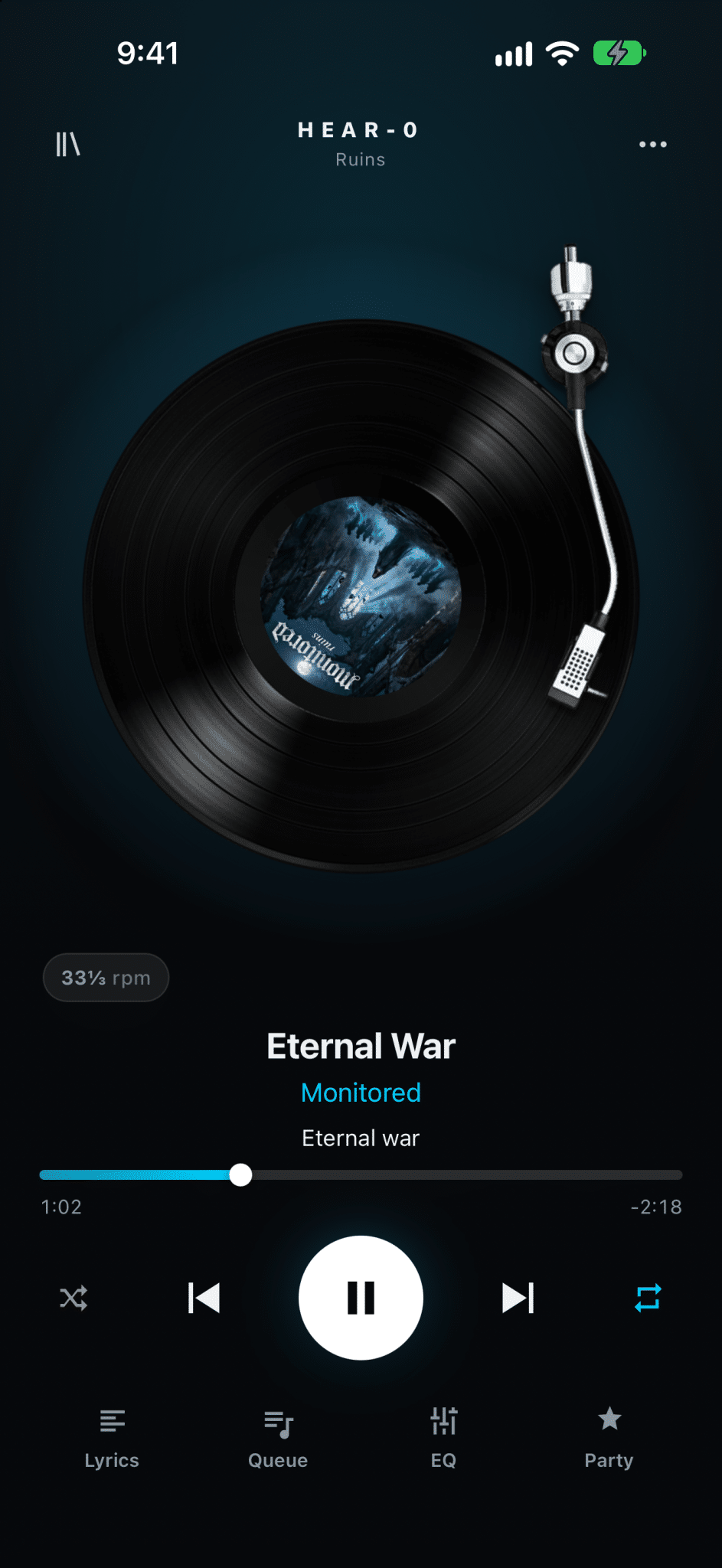
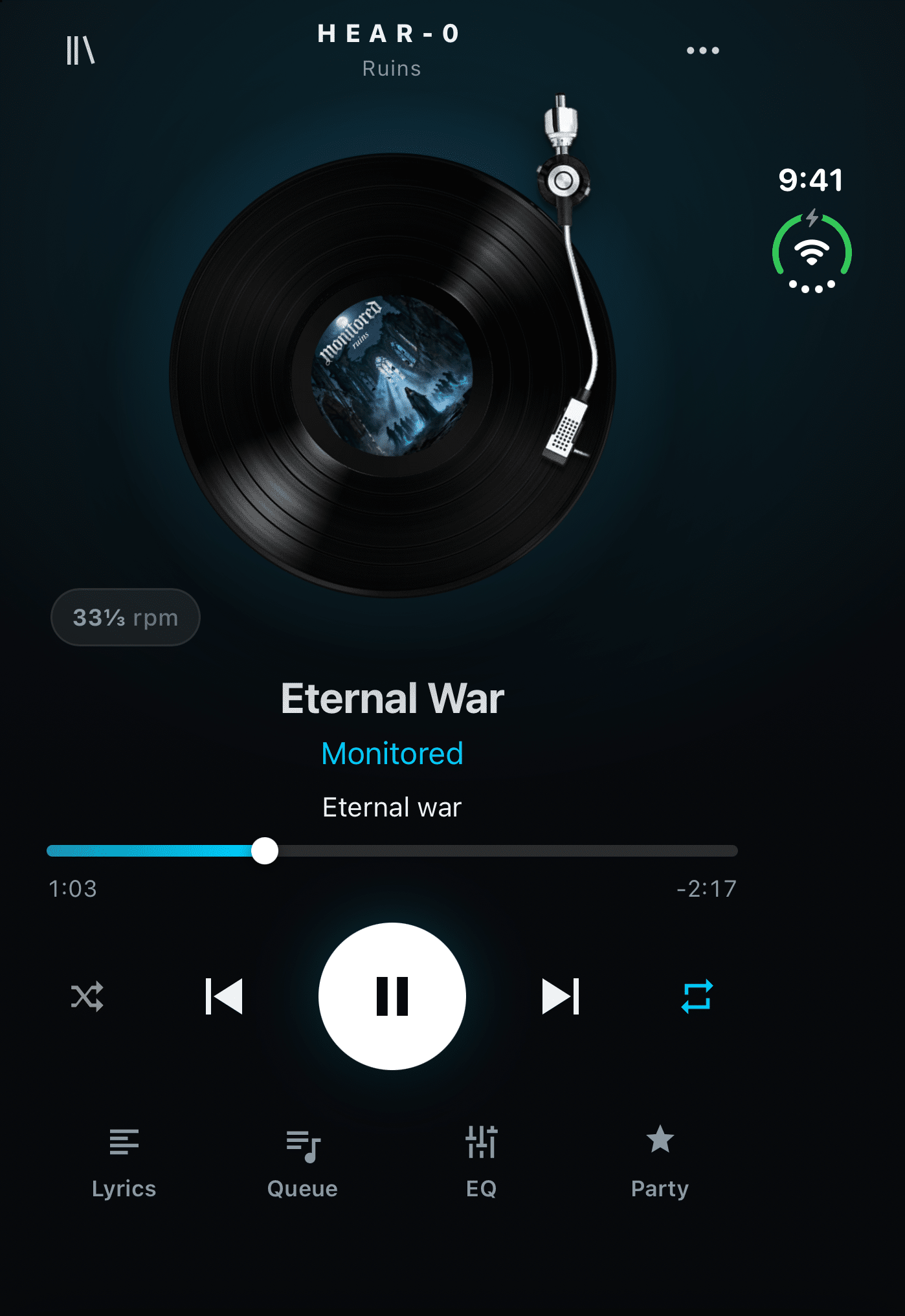
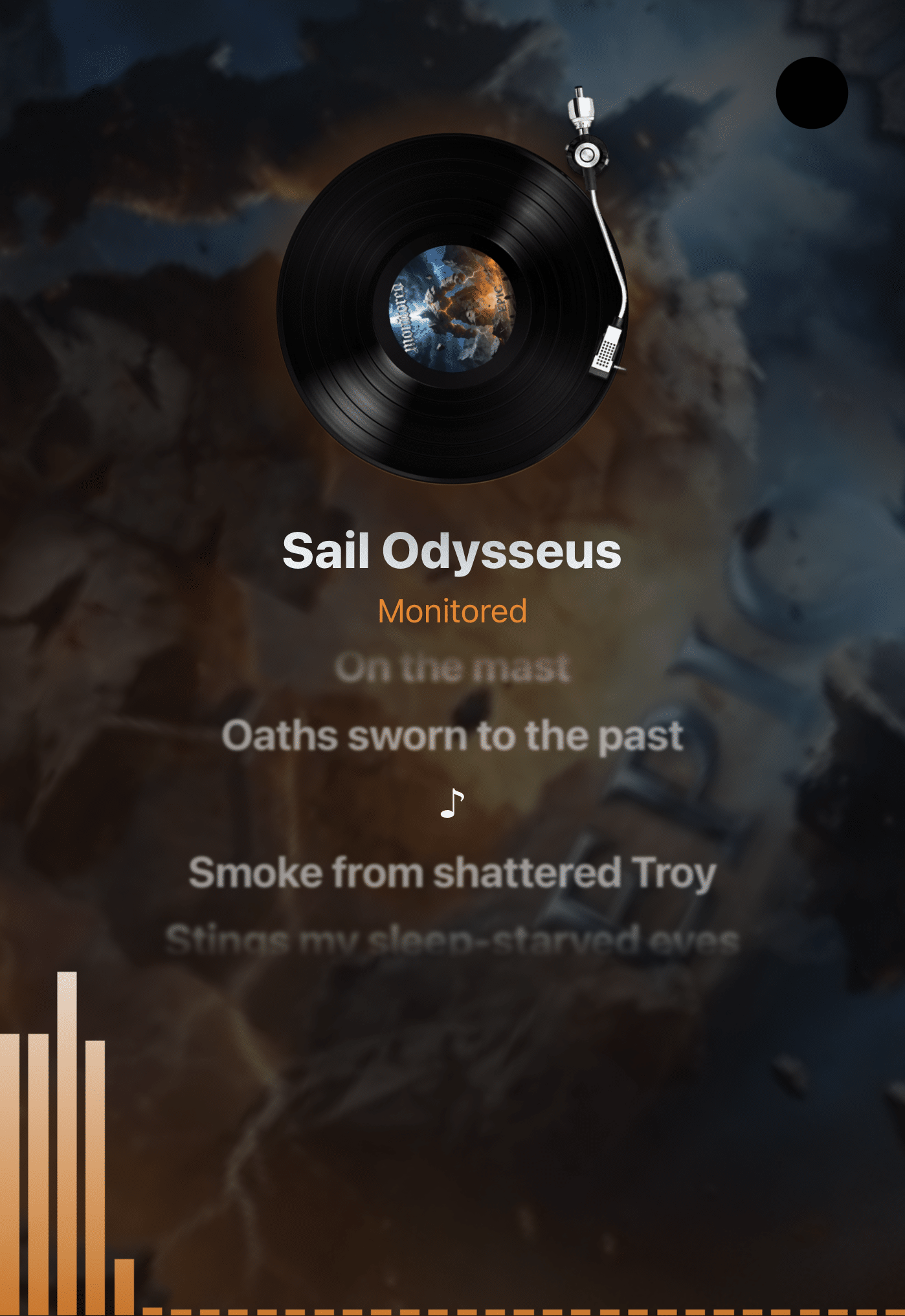
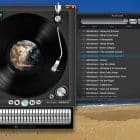
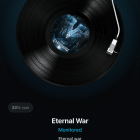
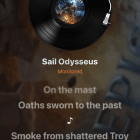
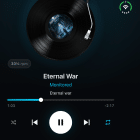
HEAR-0 plays the music you own on a real-looking turntable. Lyrics light up word by word, the tonearm moves across the record, and you can scratch, change the speed to 45 or 78 rpm, or play songs backwards. For iPhone, Android, Windows and Mac.
iPhone and Android: free, with an optional one-time HEAR-0 Pro purchase. Windows and Mac: 14-day full trial, then a licence.
Your own music, on a turntable
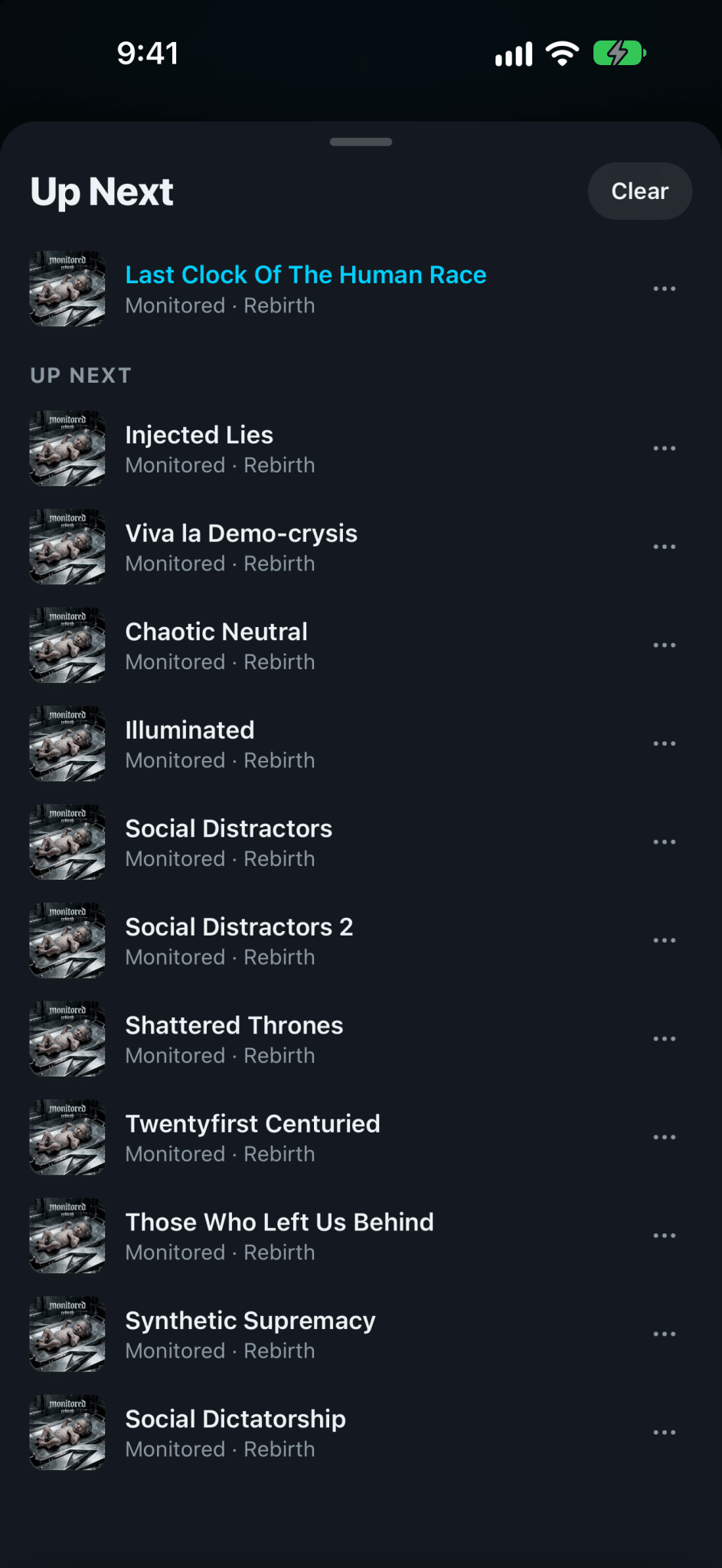
HEAR-0 is a music player for the songs you own: MP3, M4A/AAC, Apple Lossless, FLAC, WAV and AIFF. No subscription, no streaming, no account. Your songs spin on a vinyl record, the tonearm follows the song, and synced lyrics light up line by line, or word by word, karaoke-style.
Handle it like a real record
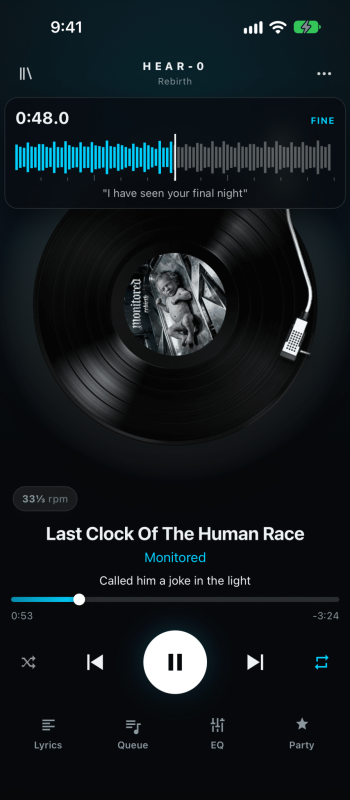
- Tonearm seek: drag the arm to any point in the song. Hold it still for a moment first and a magnifier shows the music around the needle, so you can land on the exact second.
- Turntable speeds: 16⅔, 33⅓, 45 and 78 rpm. Faster and higher, slower and deeper, like a real record, or keep the pitch.
- Scratch: hold the record and turn it back and forth. The music follows your hand.
- Play backwards: the record turns the other way and so does the song.
Lyrics that follow the song, word by word
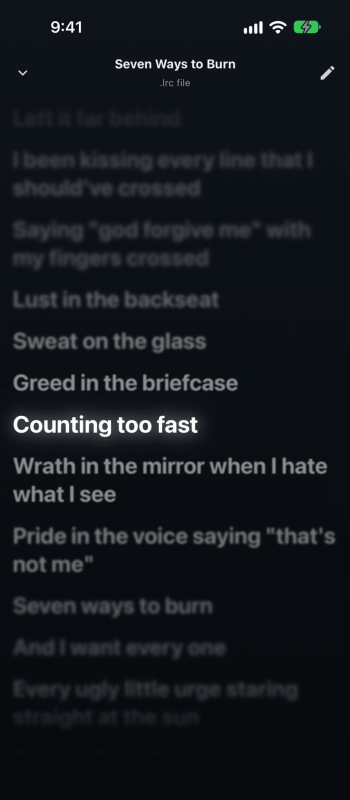
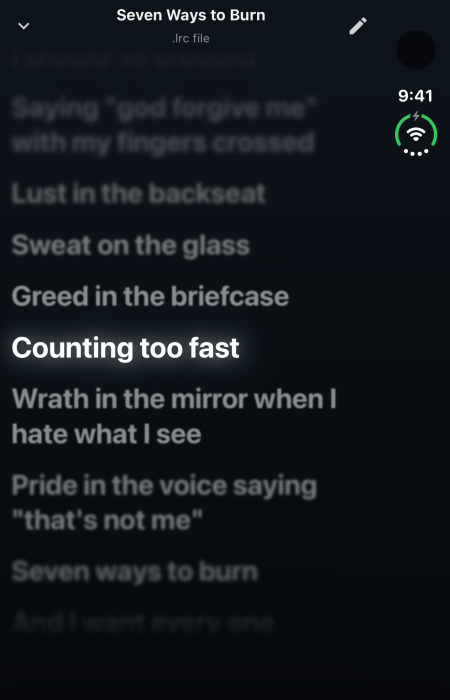
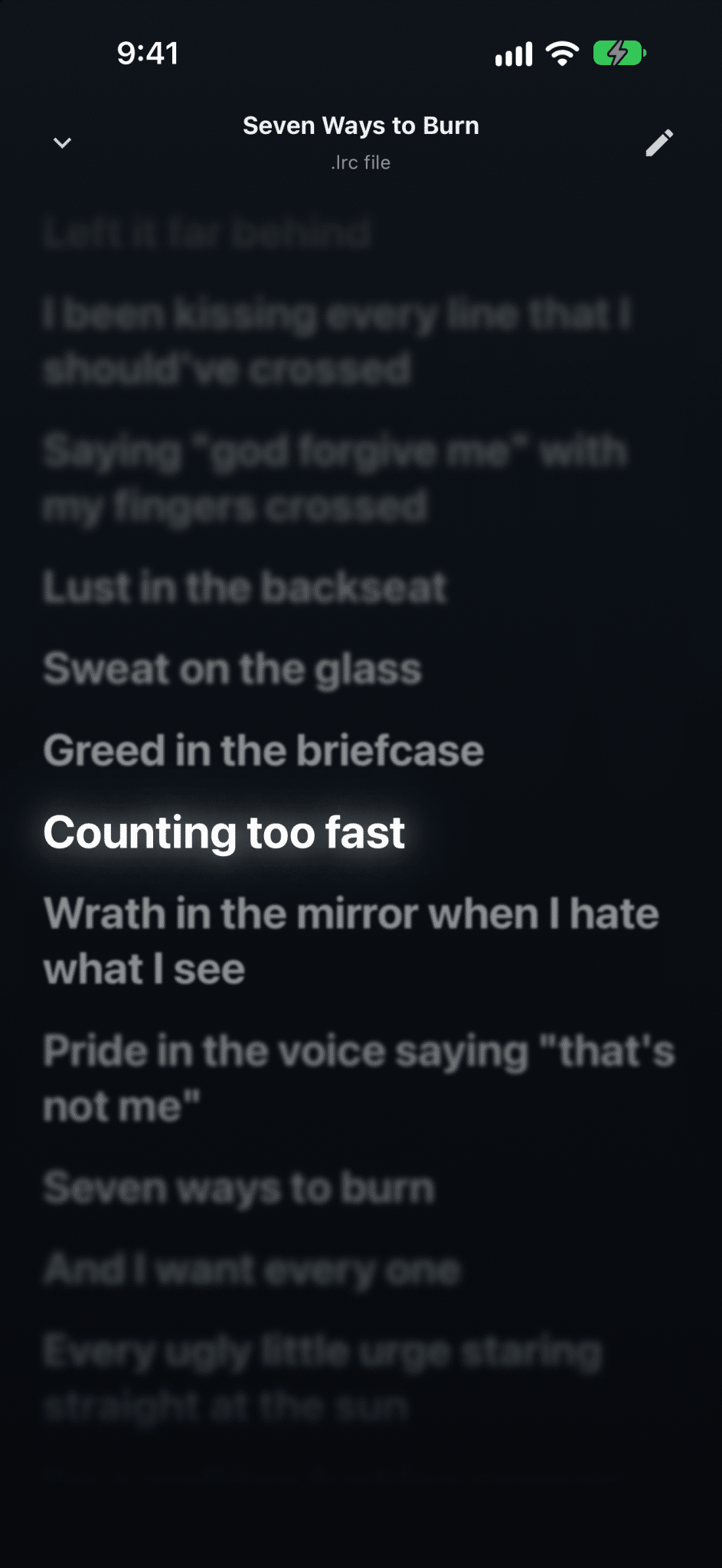
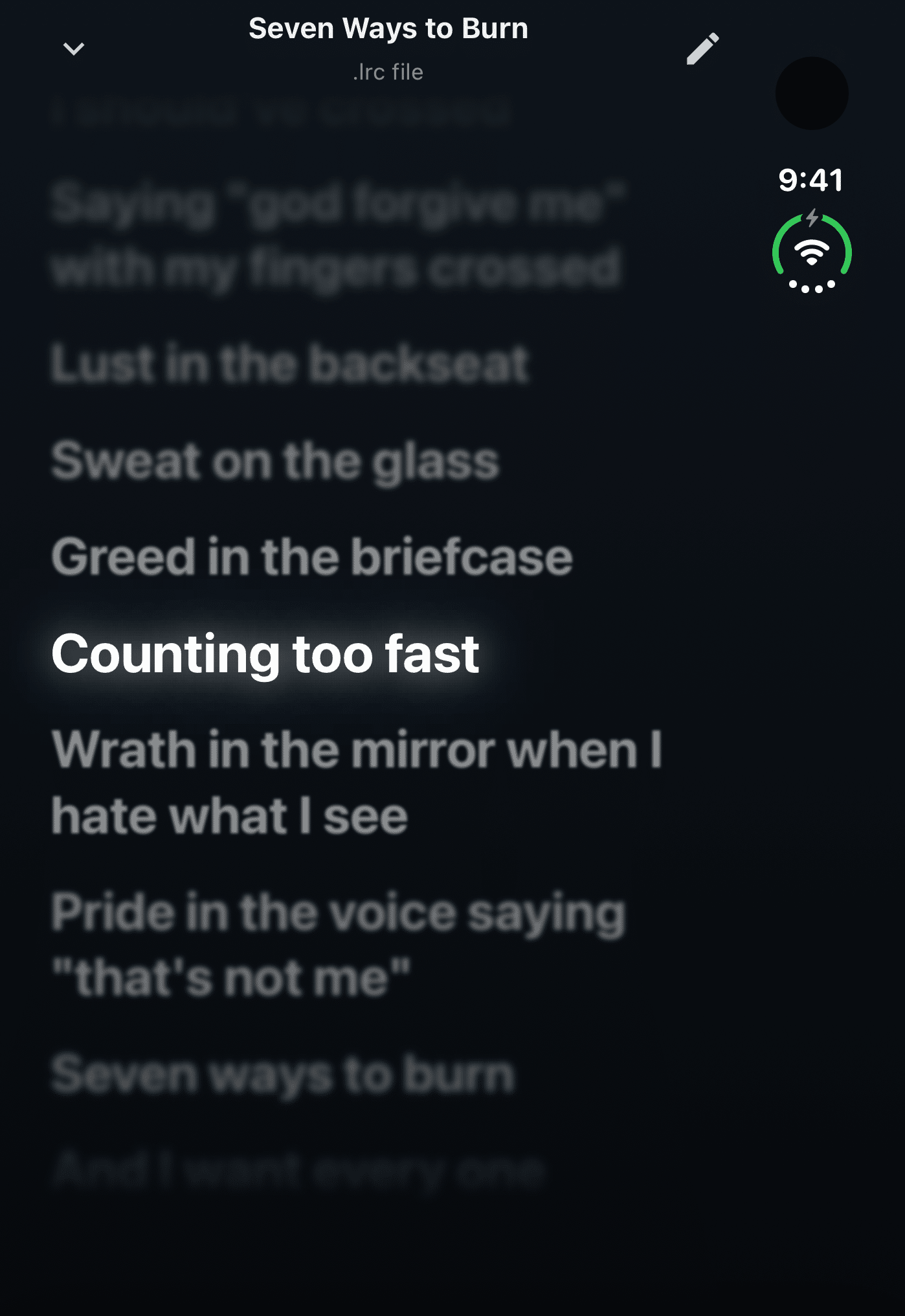
- Lyrics from your songs’ tags and from .lrc files, with karaoke highlighting.
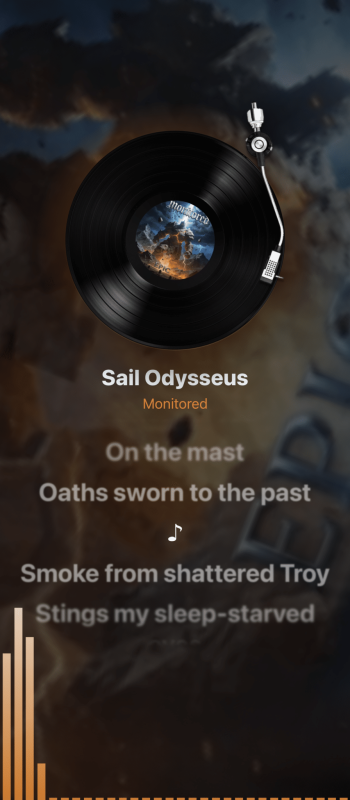
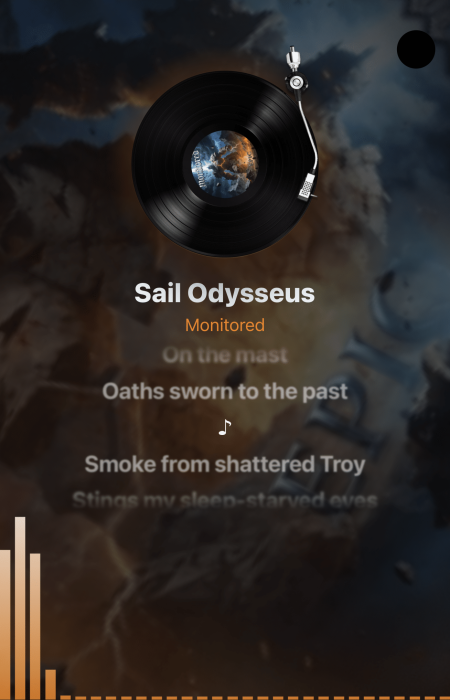
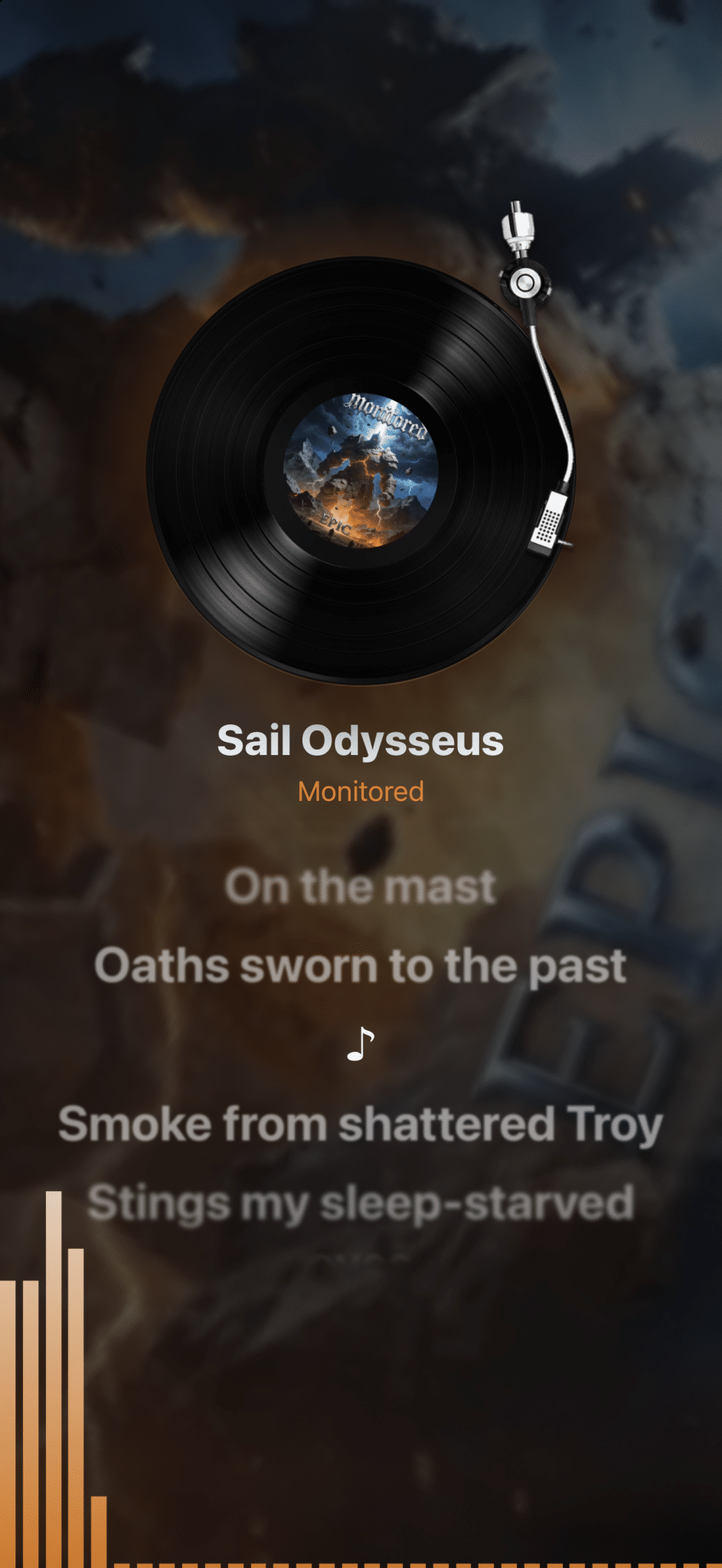
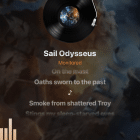
- Word-by-word lyrics: when the lyrics time every word (enhanced LRC, for example made with Ax-Easy Lyricist), a microphone appears in party mode and the word being sung lights up in orange. One tap switches back to line by line.
- Synced lyrics found online, from the open LRCLIB database. Remixes and EDM versions get the lyrics of the same version.
- A lyrics editor with tap-sync and per-line timing to fix or create lyrics, and publishing to LRCLIB for your own songs.
- No lyrics anywhere? On iPhone, HEAR-0 listens to the song and writes the words with their timing (transcription).
Party mode
A full-screen spinning record, big karaoke lyrics, a live visualiser and a moving background made from the album cover: choose Cover art (soft pieces of the cover swirling with the music) or Colours (only its colours). The screen stays on; on phones it works in portrait and landscape.
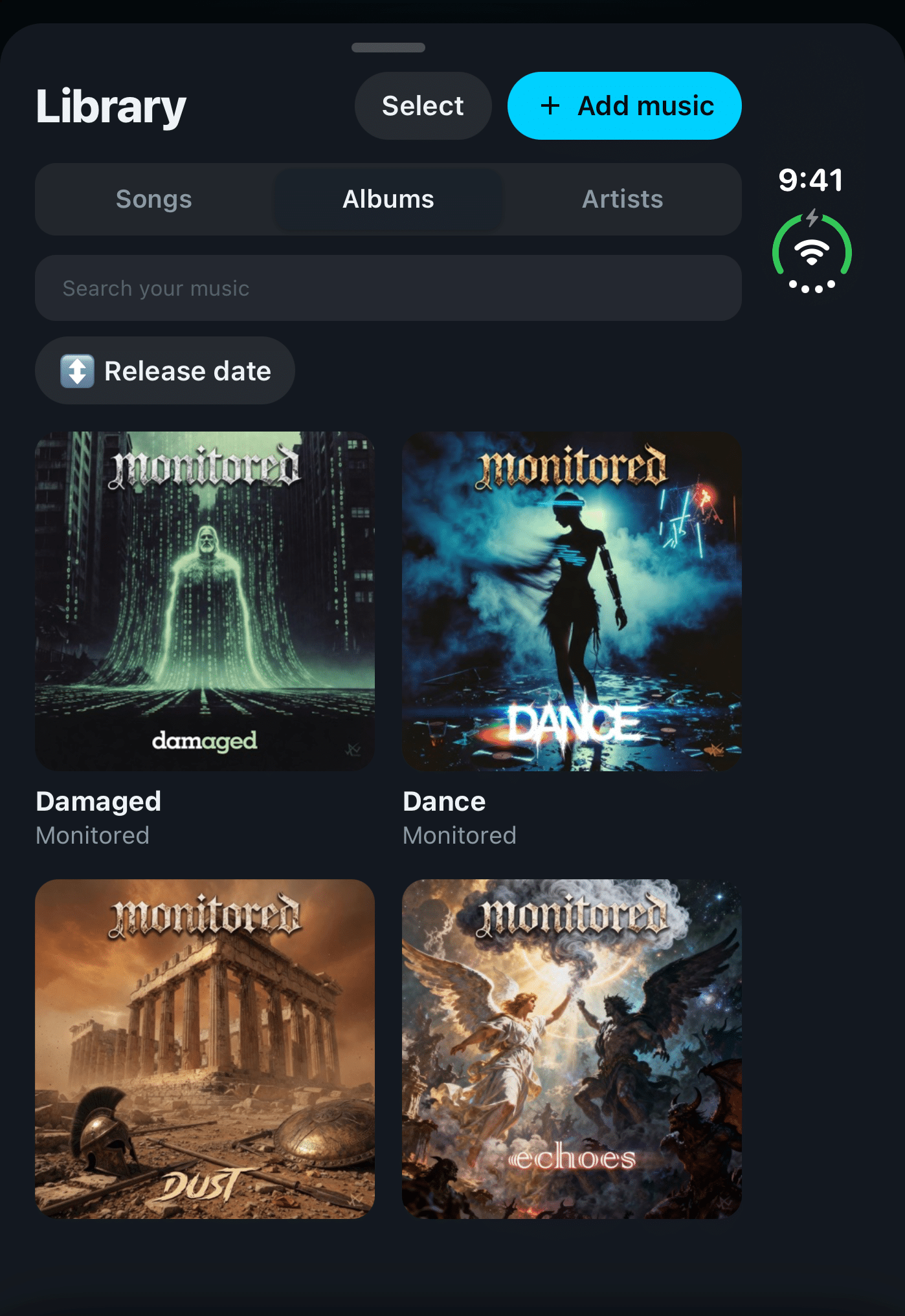
Your library, in order
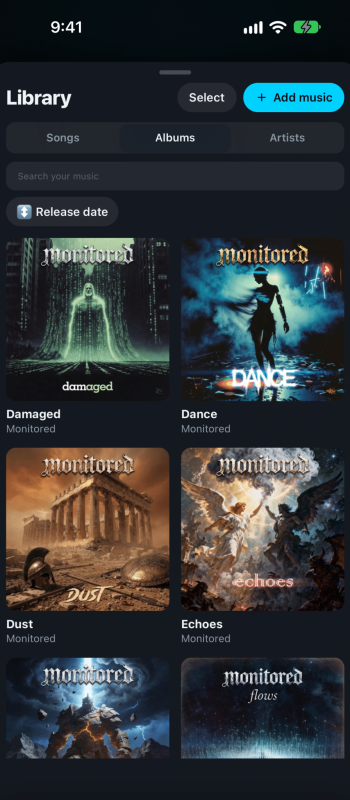
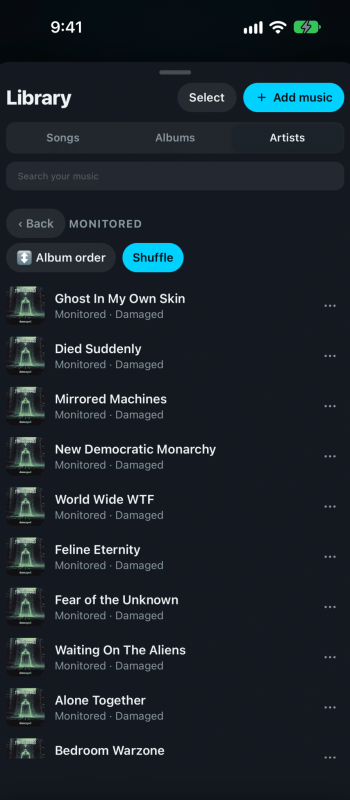
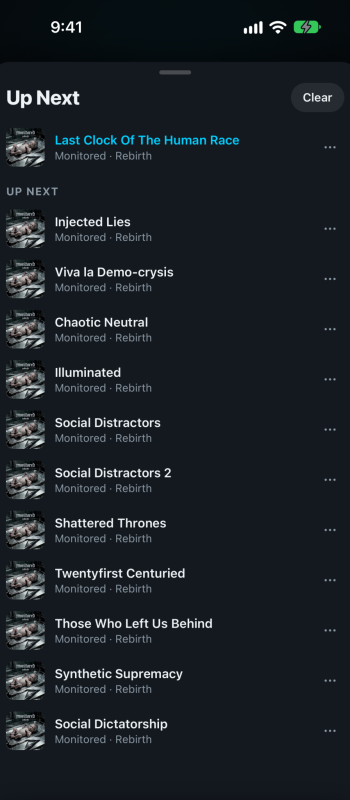
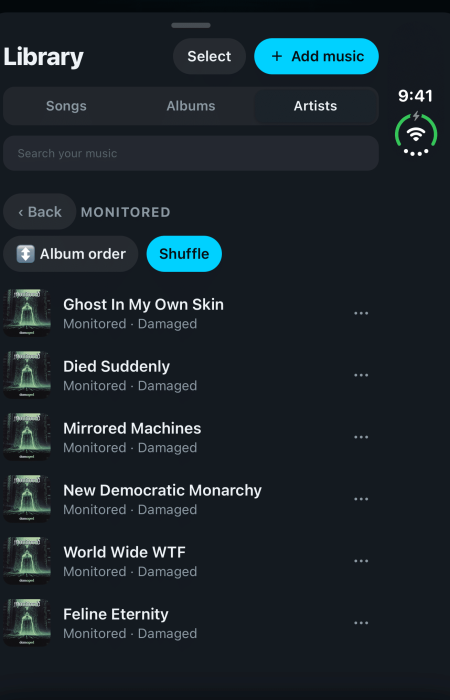
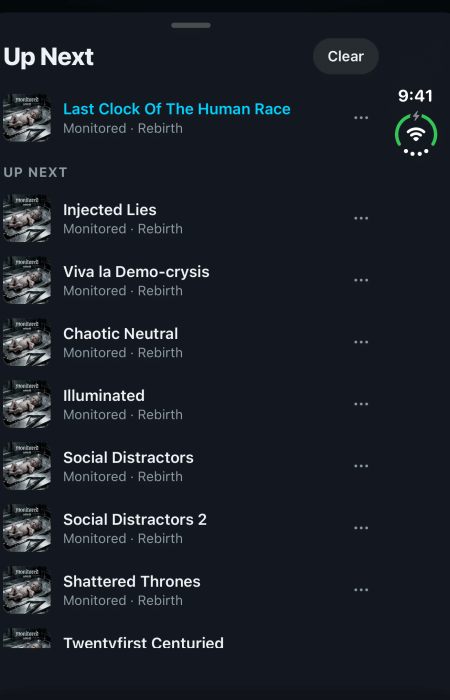
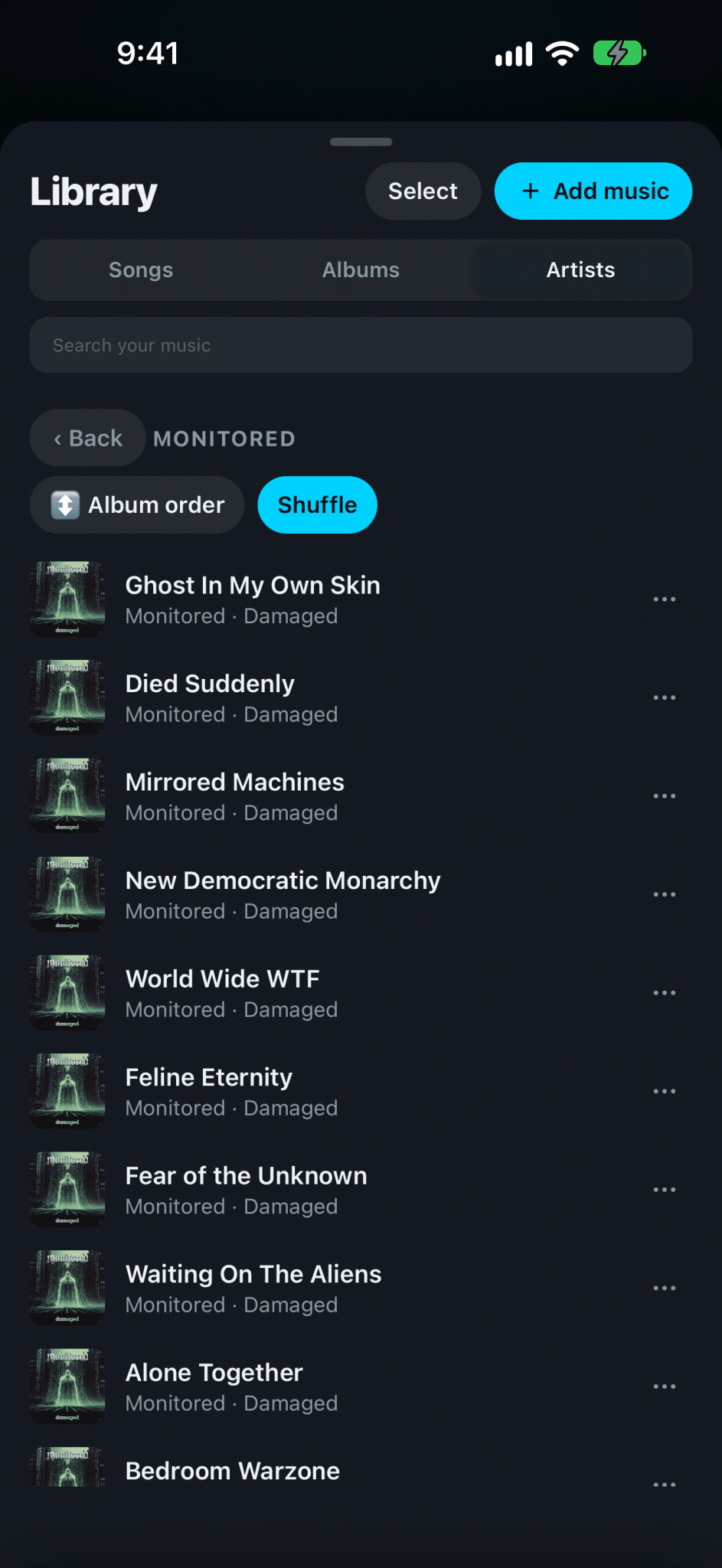
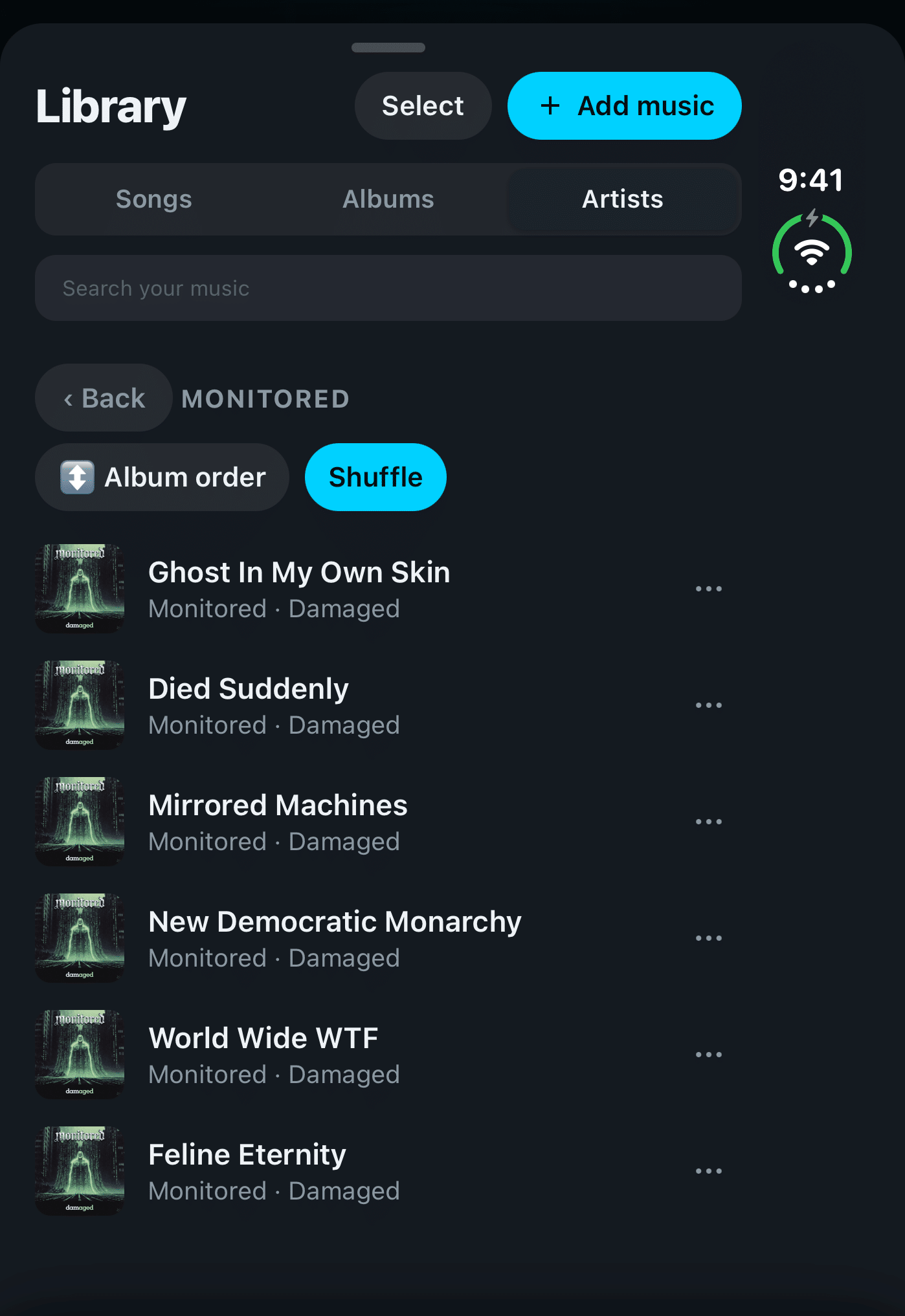
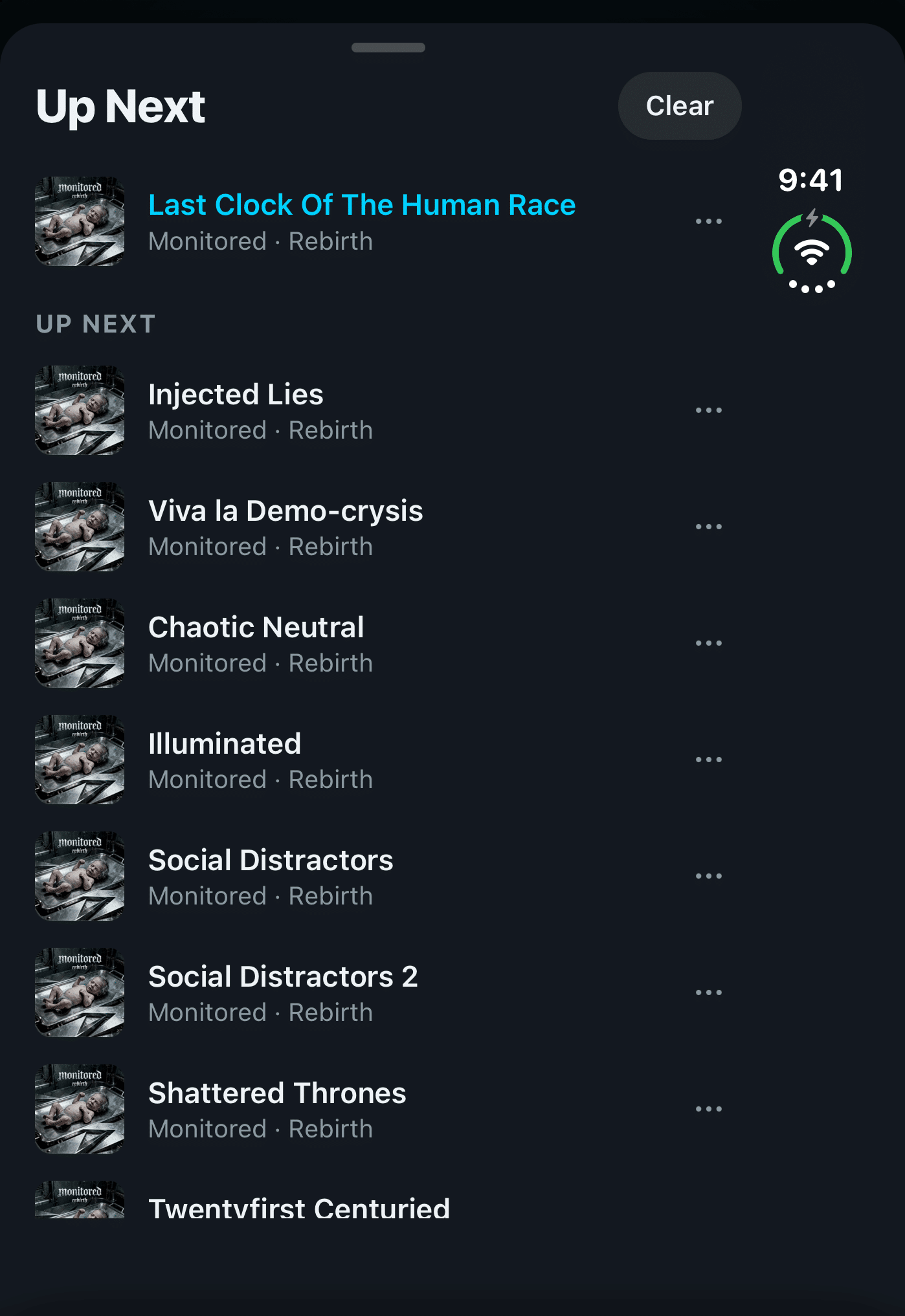
- Albums play in their track order; drag to reorder an album and save the order in the songs.
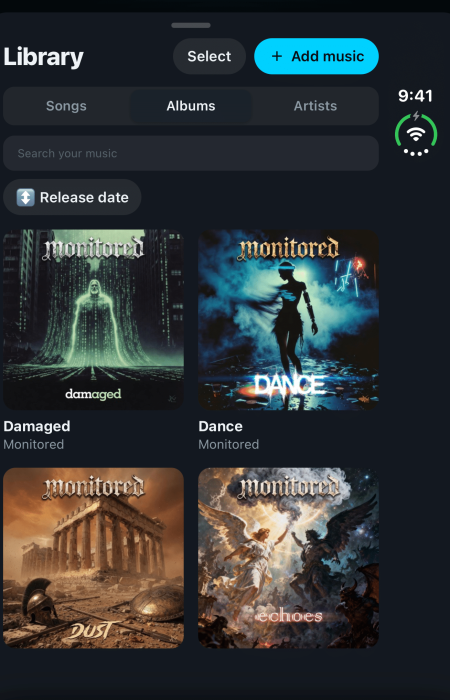
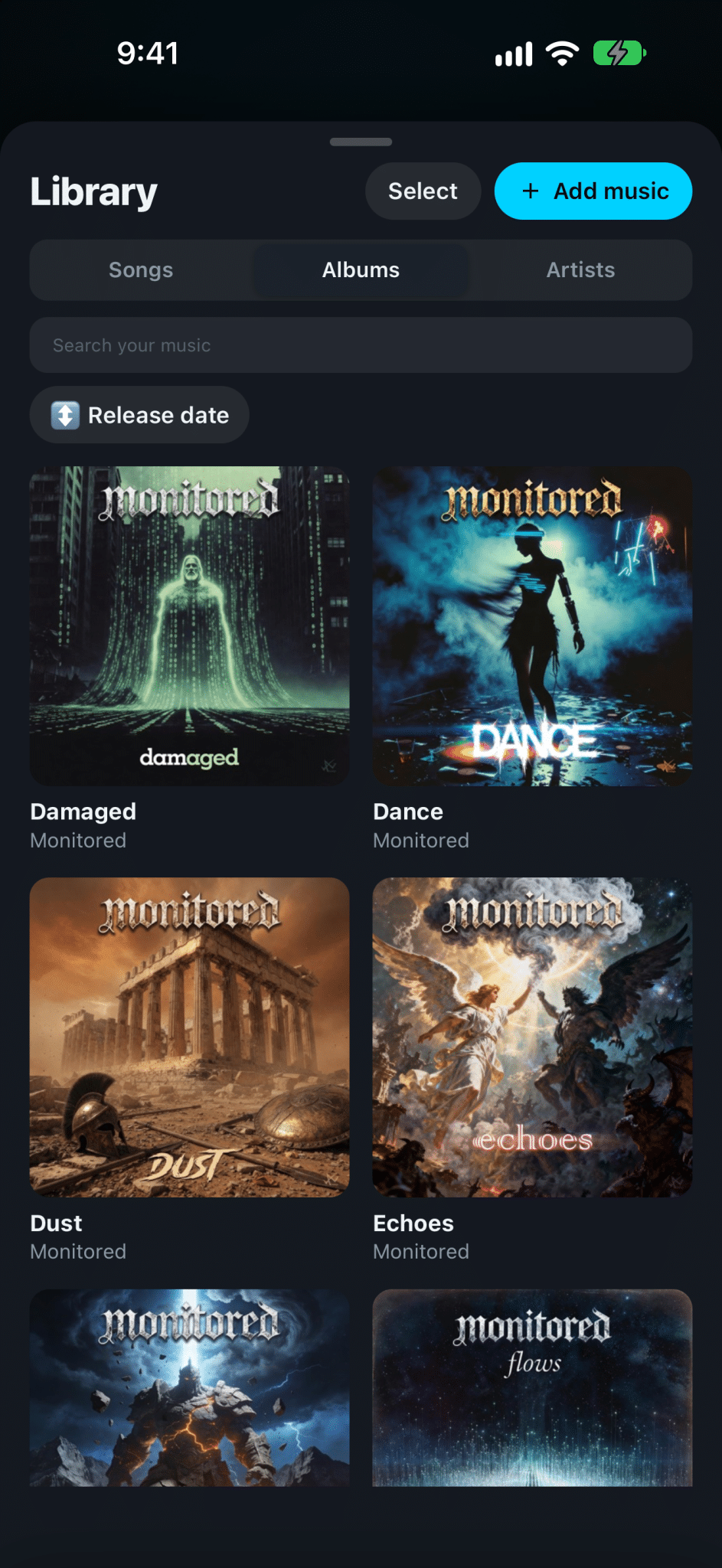
- Sort by title, by album or by release date. An artist’s albums go from the first release to the latest.
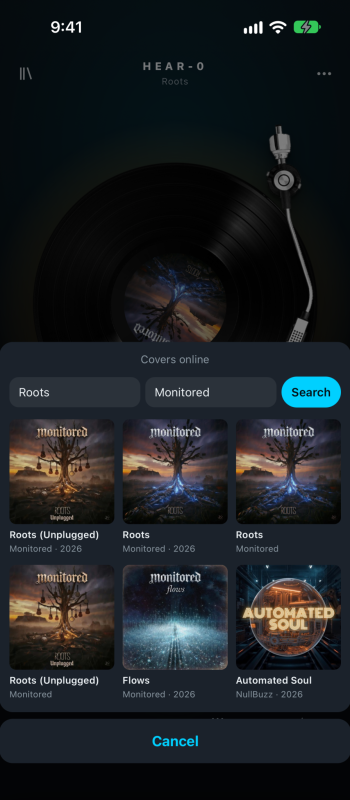
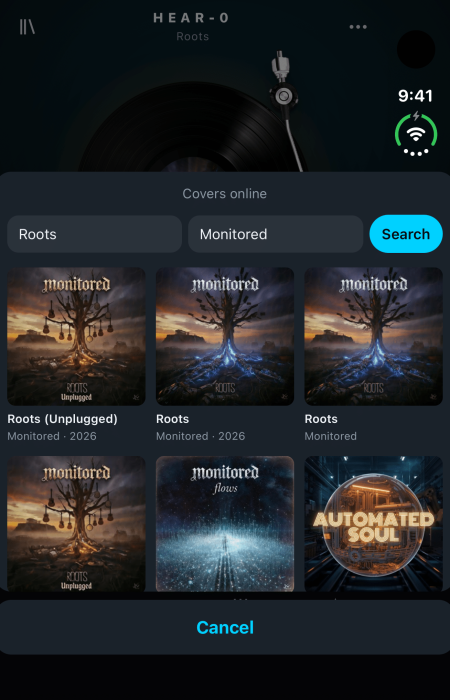
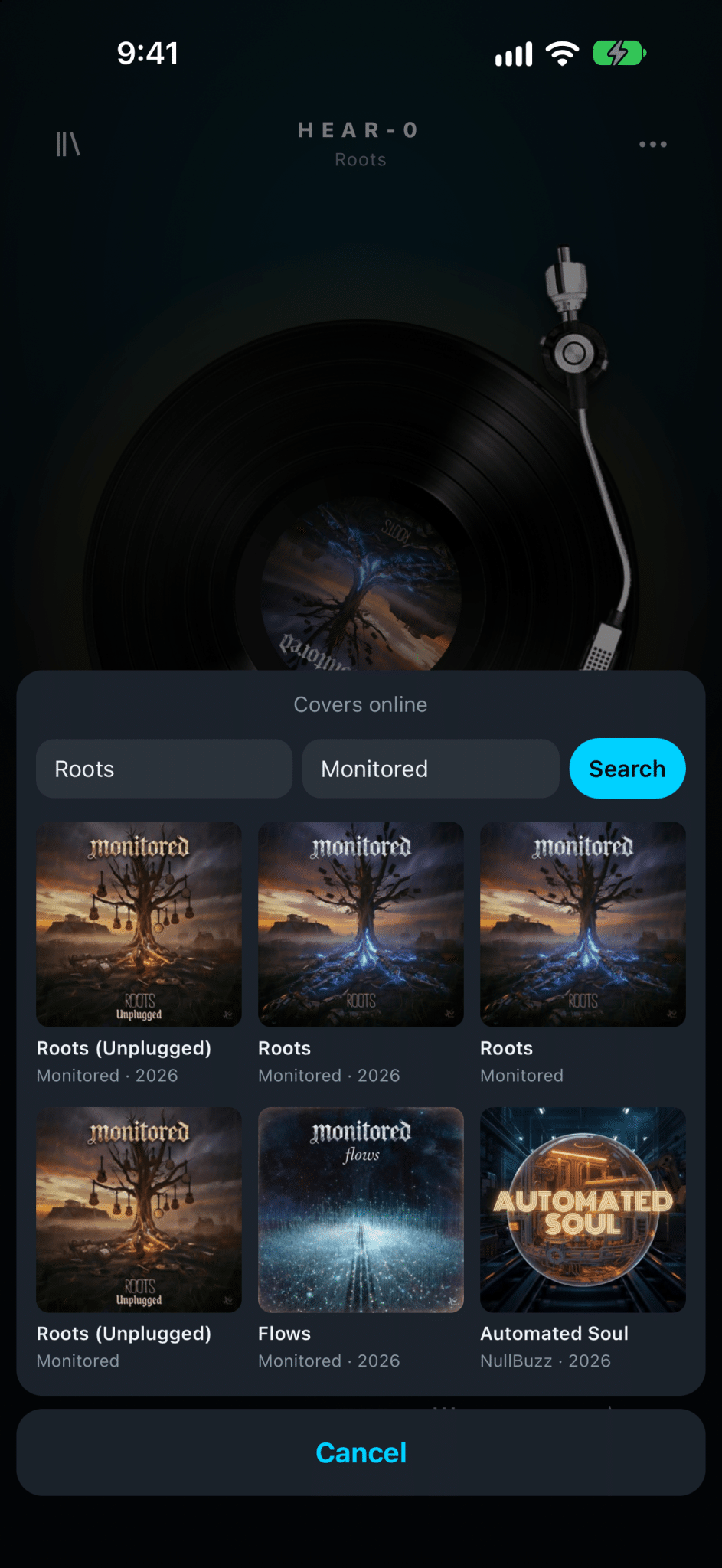
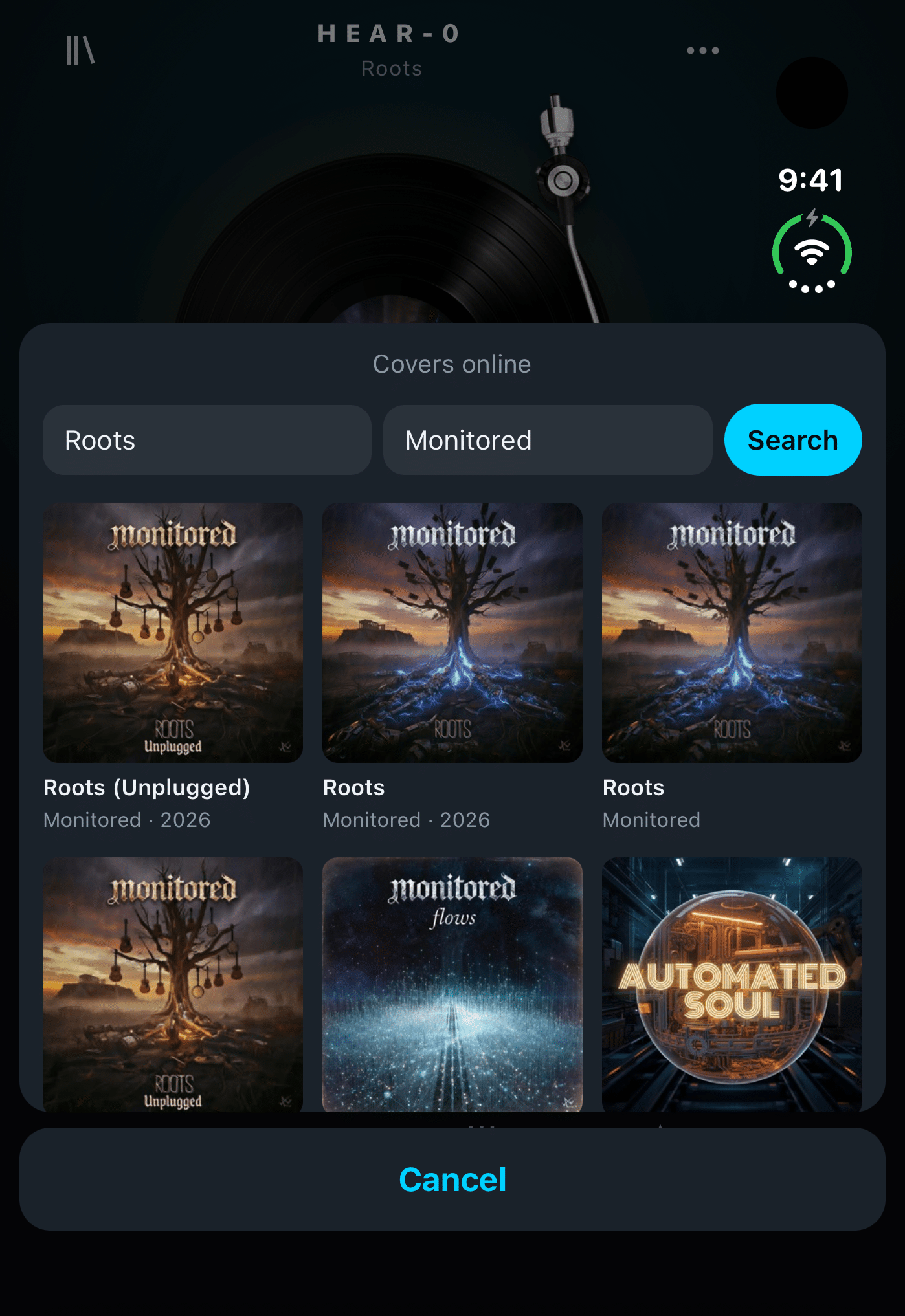
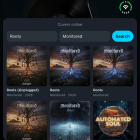
- Album covers: search online (Apple Music, Deezer, MusicBrainz), choose a picture, or take a photo on your phone.
- Release dates found online and saved in your songs.
In the car, on the Home Screen
- CarPlay (iPhone) and Android Auto (Android): your songs, albums and artists on the car’s screen, with the Now Playing screen. On Android Auto you can also ask by voice: “Hey Google, play … on HEAR-0”.
- Widgets: the spinning record with the song playing and its play and skip buttons, on the Home Screen (iPhone and Android) and the Lock Screen (iPhone), plus a Control Center button on iPhone.
HEAR-0 for Windows and Mac: Trial and Licence
Download HEAR-0 and use everything for 14 days, free. To keep it, buy a licence at ax-easy.com and enter the key in HEAR-0. Owners of HEAR-0 version 1 upgrade to version 2 for free.
- Trial Version for Windows 10/11
- Trial Version for Mac with Apple Silicon
- Trial Version for Mac with Intel
| Free | HEAR-0 Pro (one-time purchase) |
|---|---|
| The turntable player, queue, shuffle, repeat, lock-screen controls | Party mode, portrait and landscape, with word-by-word lyrics |
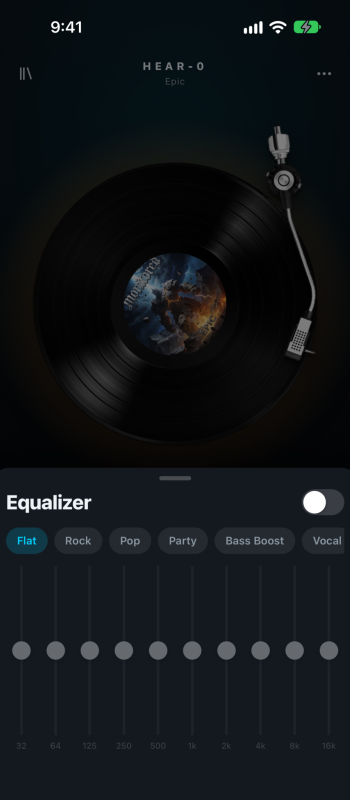
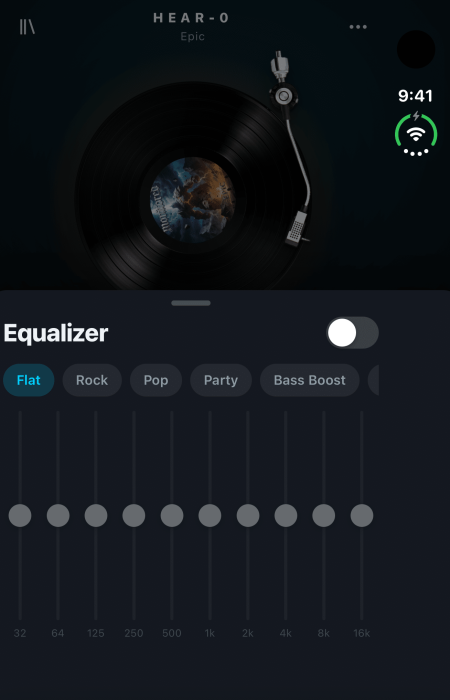
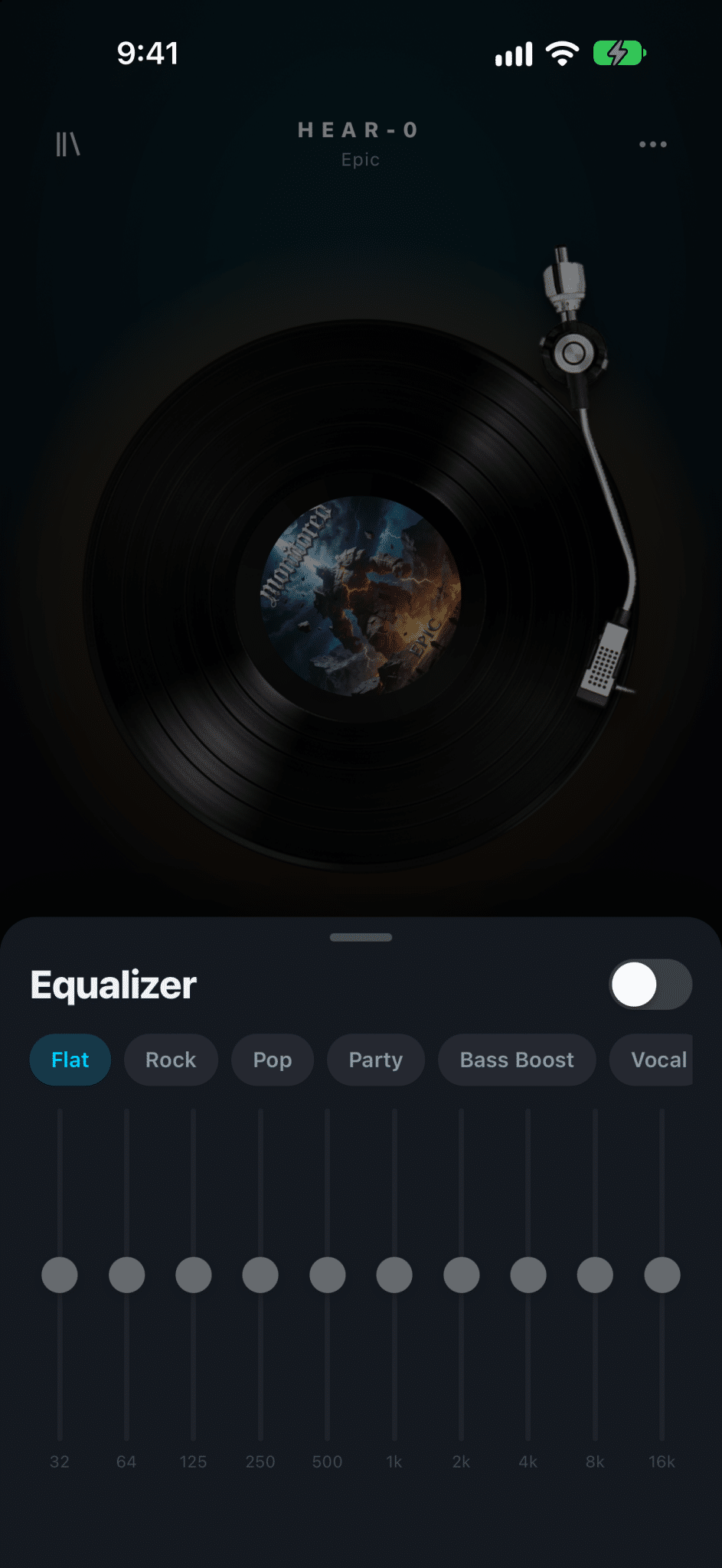
| Tonearm seek with the magnifier | 10-band equalizer with presets |
| Songs, Albums and Artists; sort by title, album order or release date | Turntable speeds: 16⅔, 33⅓, 45, 78 rpm, keep pitch |
| Reorder albums and save the order in the songs | Scratching the record and playing backwards |
| Album covers: online search, your pictures, the camera | Synced lyrics found online |
| Release dates found online | Auto-sync for plain lyrics |
| Lyrics from your songs and .lrc files, karaoke highlighting | Transcription: speech to synced lyrics (iPhone) |
| Lyrics editor, tap-sync, per-line timing | |
| Wi-Fi transfer from your computer; widgets; CarPlay (iPhone) and Android Auto (Android) |
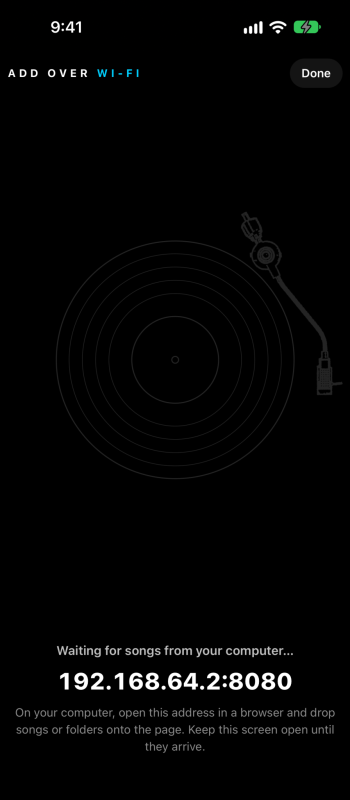
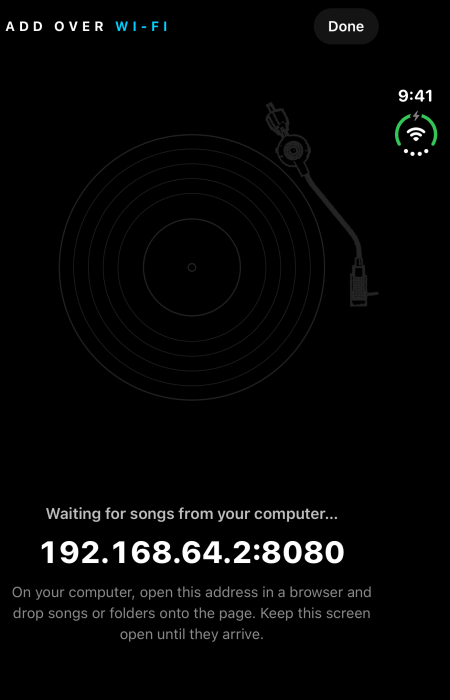
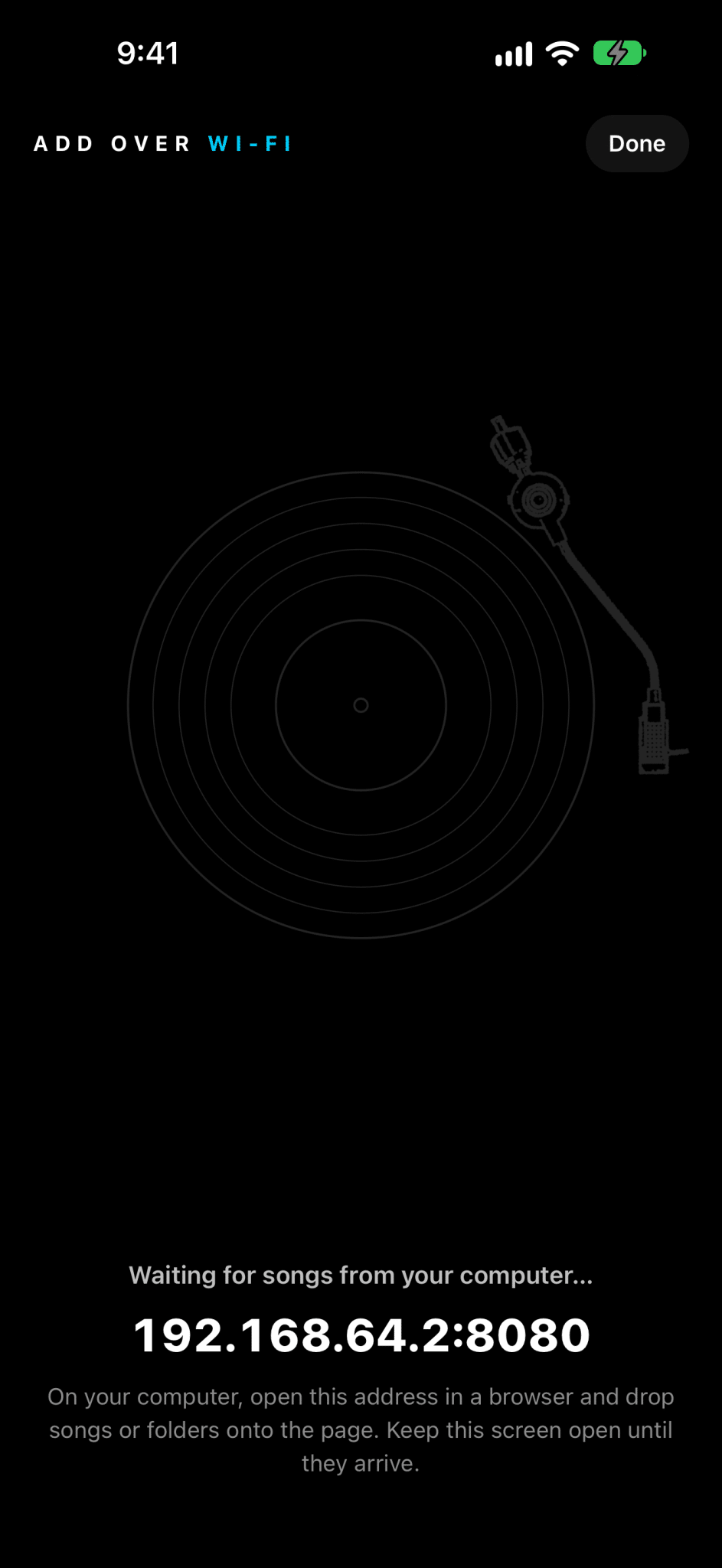
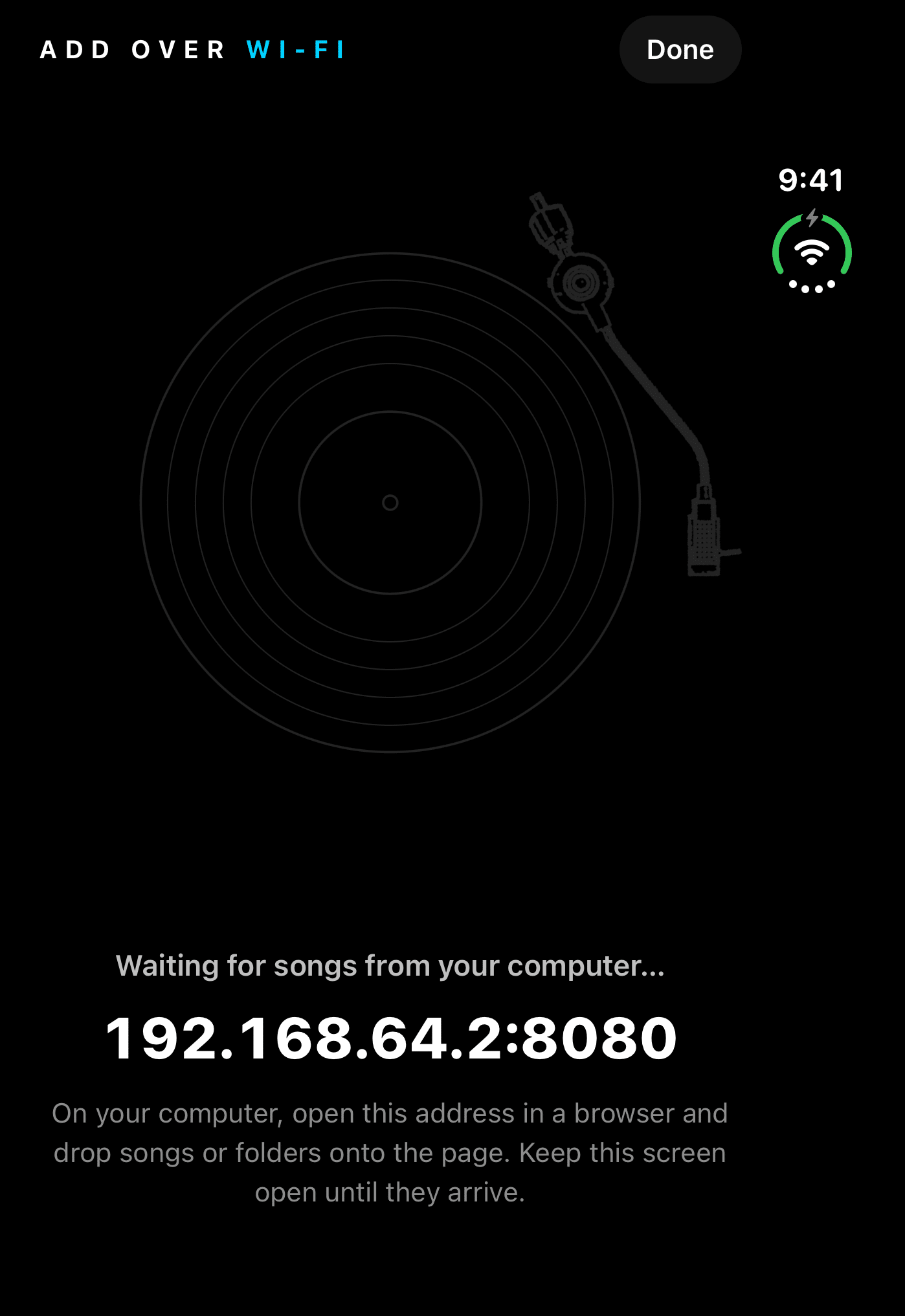
Adding music: over Wi-Fi from your computer (open the address HEAR-0 shows in any browser and drop songs, folders and .lrc lyrics), from files and whole folders, from songs you own in the Music app (iPhone), or from the music already on your phone (Android).
HEAR-0 for Windows and Mac: Trial and Licence
Download HEAR-0 and use everything for 14 days, free. To keep it, buy a licence at ax-easy.com and enter the key in HEAR-0. Owners of HEAR-0 version 1 upgrade to version 2 for free.
Made for your music collection
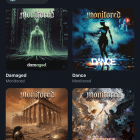
- Albums view: your playlist as album covers, as on the phone. Open an album to play it in track order, drag songs into order and save it, remove a whole album with one click, and give albums without artwork a cover found online or a picture of your own.
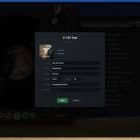
- EDITS: whole albums at once. HEAR-0 finds your albums on Apple Music, Deezer and MusicBrainz and fills in track and disc numbers, covers and synced lyrics for every song. Nothing changes until you press Save.
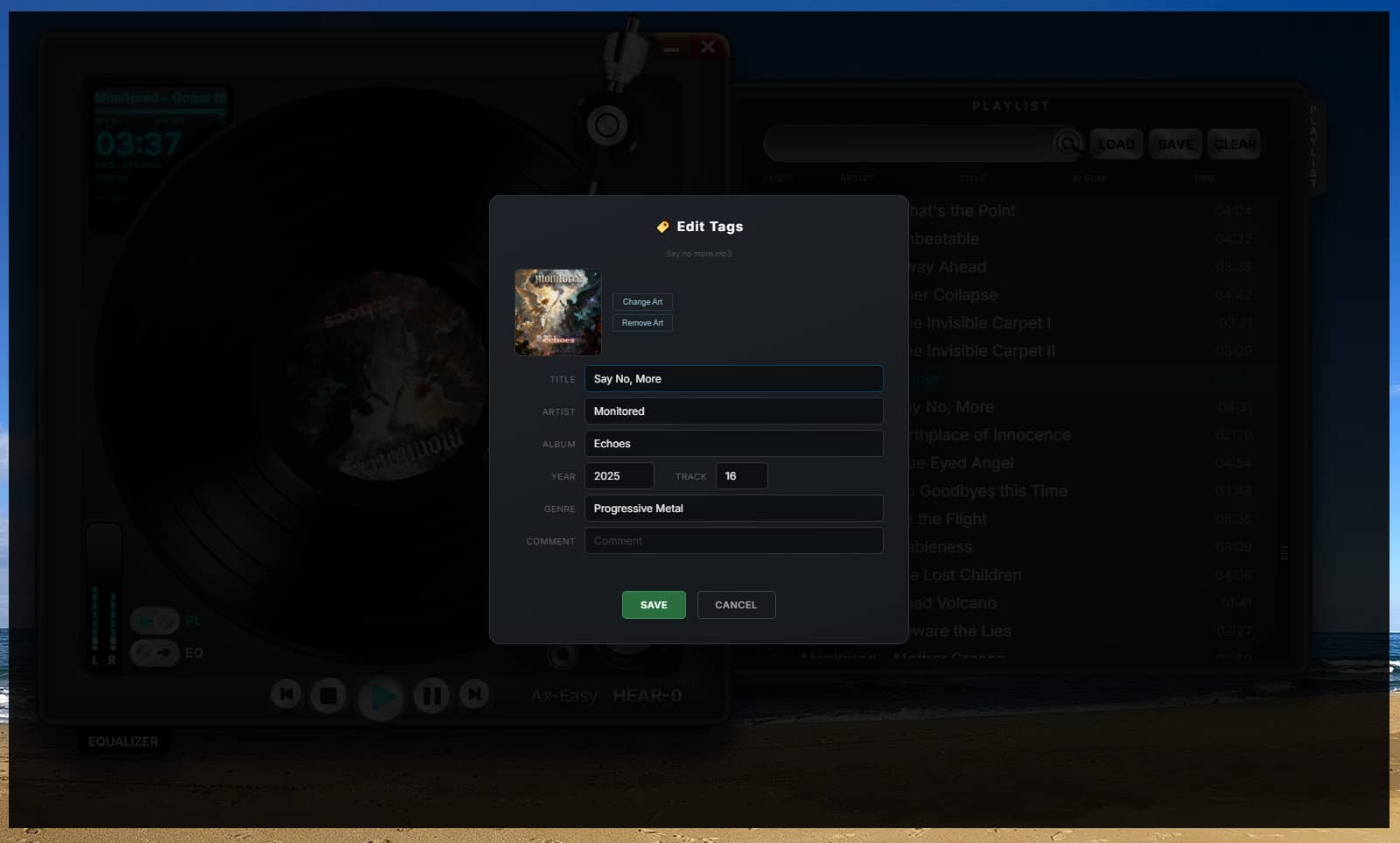
- Tags that never damage a song: MP3, FLAC, M4A / Apple Lossless, WAV and AIFF each get their own kind of tags. Every change is written to a copy, checked byte for byte, and only then saved. FLAC, M4A and WAV songs given MP3 tags by older HEAR-0 versions or other tools are recognised and can be repaired.
- Party mode with word-by-word lyrics, the Cover art or Colours background, a queue guests can pick from, and a visualiser.
- Winamp 5 modern skins (.wal), a playlist with search, drag-and-drop ordering and auto-save, and opening files by kind (only MP3, only FLAC…).
| During the 14-day trial | After the trial, without a licence | With a licence |
|---|---|---|
| Everything | Playback, lyrics, party mode, Winamp skins and tonearm seek keep working | Everything |
| Locked: the equalizer and its presets, loading, saving and clearing playlists, the tag editor and EDITS, and the turntable speeds, scratching and reverse |
Licence: the key is checked online once; HEAR-0 then works offline for up to 7 days between checks. To move it to another computer, deactivate it on the old one first.
Requirements
- iPhone: iOS 15 or later. Widgets need iOS 17; the Control Center button needs iOS 18. CarPlay with any CarPlay car or head unit.
- Android: Android 8 or later, phones and tablets. Android Auto with any Android Auto car or head unit.
- Windows: Windows 10 or 11, 64-bit.
- Mac: macOS 11 or later, Apple Silicon or Intel. Signed and notarised by Apple.
Privacy
No account, no ads, no tracking, no analytics. Your music stays on your device. To find lyrics, covers and release dates, only a song’s title, artist and album are sent to open music databases (LRCLIB, MusicBrainz, Deezer and Apple’s iTunes catalogue).
Downloads: iPhone/iPad on the App Store · Android on Google Play · Windows (Microsoft Store) · Mac (Apple Silicon) · Mac (Intel) · User Manual for Mac and PC (PDF, Greek and English) · User Manual for iPhone, iPad and Android (PDF, Greek and English)



Which file types does it play?
All popular audio formats, including MP3, FLAC, WAV and AAC. The LCD-style display shows each track’s bitrate, so you always know the quality you’re listening to.
Is it free?
You can try it free for 14 days, with every feature unlocked. If you like it, buy a lifetime licence for one computer right here.
What can it do?
Watch the preview video to see Hear-O in action. Available for Windows 10+ and macOS (Universal for Intel and Apple silicon).